Getting started with EZGather
From install to your first automated harvest, in three steps — the same as on the home page. Ten steps to tick off as you go; your progress is kept on this device.
- 10
- steps
- 5
- videos
- 8 min
- of video
Before you start
Install EZGather on Windows or macOS, sign in with one click, then let the assistant apply the recommended Dofus configuration: the game's display and interface set up for the bot.
01Check the prerequisites
Before you start, you'll need Dofus Unity up to date and an EZGather account (free). The app runs on macOS and Windows, and never touches your credentials: your Ankama account stays in your hands.
02Download and install the app
video · 1:08
Grab EZGather from ezgather.io/download, then install it like any other app — a drag-and-drop on macOS, the usual wizard on Windows.
03Let it set up on first launch
The very first time, EZGather takes a couple of minutes to fetch what it needs. Let it run: it then drops you on the sign-in screen, and later launches are instant.
04Sign in to your account
Sign in with one click via Discord or Google, or scan the QR code from your phone. Confirm in the browser, come back to the app, and you're on the world map.
05Follow the welcome assistant
video · 0:59
A welcome assistant then takes over and sets up the essentials for you: the system permissions on macOS, the recommended Dofus configuration in one click, and your plan choice. And if you want to tweak anything afterwards, those settings stay available in Settings.
Set up your route
Pick a ready-made gathering sequence, or build your own circuit in a few clicks on the World of Twelve map: maps, resources, pauses and bank trips.
06Create your first sequence
video · 1:42
On the world map — your home screen — click "New sequence": the editor opens with a guide that walks you through it. Pick the resources to harvest (hold Ctrl to reveal them on the map) and set your starting point. Then draw your route: either in "Free draw", tile by tile, or in "Zones", where clicking a sub-area generates a ready-made optimized tour. "Connect automatically" closes the loop; all that's left is to save.
07Configure the sequence
video · 1:47
The configuration page is your sequence's control room: open it with a click on its marker and shape every session your way. Duration and number of loops, automatic breaks for a natural rhythm, bank-deposit strategy, combat handling, which resources to favour or leave aside, maps to simply pass through, and much more. All that's left is to launch your session.
Follow your session
Start the session and watch the bot live: resources gathered per hour, split by type, pressure on the spots and the history of every route.
08Start harvesting
With a single click, EZGather opens Dofus, logs in and travels to the starting area on its own, then harvests map after map — without you lifting a finger.
09Follow the session live
video · 2:00
While it runs, the tracking screen shows the key indicators of your session live. The detailed statistics — timeline, harvest per sequence, efficiency — unlock with a higher plan. You stay in control: F7 pauses, F8 resumes, and you can stop whenever you want.
10Go further
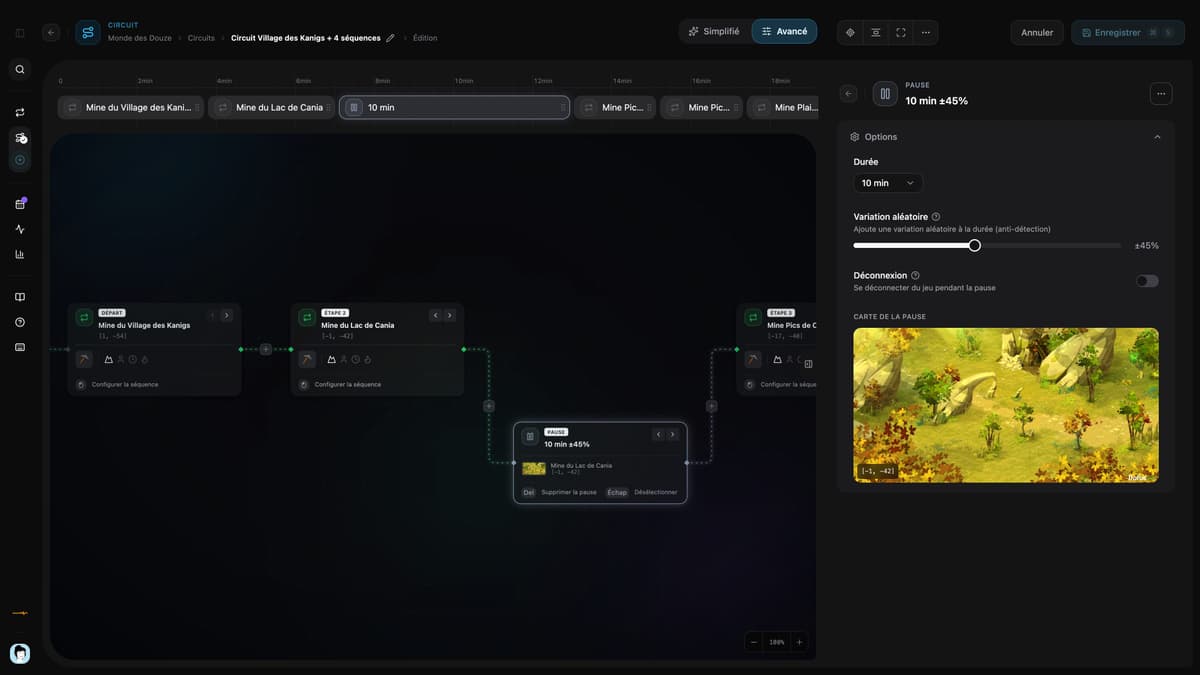
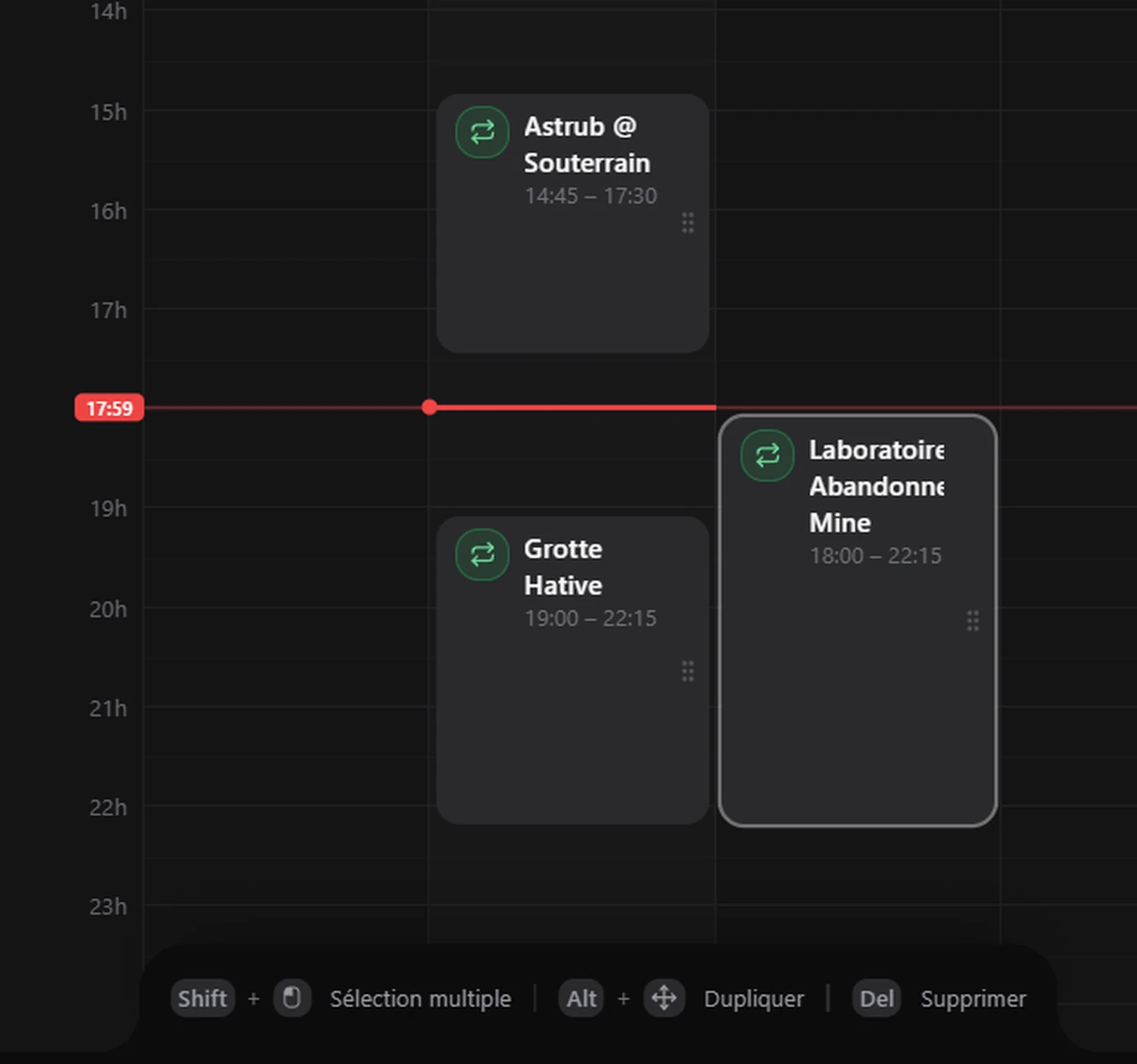
You can reopen the editor any time to extend or fine-tune your route. To go further, circuits chain several sequences, and scheduling runs them on their own at the times you set.
Need more answers?
Check out our FAQ to find answers to the most common questions.