
Download EZGather for Windows and macOS
The gathering bot for Dofus Unity. Lumberjack, miner, farmer, alchemist, fisherman: you draw the route, the app walks it, gathers and banks the loot.
Windows will show a warning

EZGather is not signed with a publisher certificate yet. On first launch, Windows shows “Windows protected your PC”: click More info, then Run anyway. Defender may also quarantine the file while it scans it.
Every version is scanned by VirusTotal before release — the report is linked above.
Compatible with Dofus Unity 3.7.12.12
The Dofus Unity version the app runs with today.
| EZGather version | State | Dofus update | Date | Download |
|---|---|---|---|---|
| v1.39.0 | Latest version | Dofus 3.7.12.12 | Released on Oct 27, 2026 | Download version 1.39.0 |
| v1.38.0 | Out of date | Dofus 3.7.12.12 | Released on Oct 23, 2026 | — |
| v1.37.1 | Out of date | Dofus 3.7.12.12 | Released on Oct 22, 2026 | — |
| v1.35.1 | Out of date | Dofus 3.7.11.11 | Released on Oct 19, 2026 | — |
| v1.34.1 | Out of date | Dofus 3.7.11.11 | Released on Oct 19, 2026 | — |

A real macOS build
Most Dofus bots are Windows only. EZGather is native on both.
- Apple Silicon and IntelSigned and notarized by Apple. No emulator, no virtual machine, no Wine.
- Windows 10 and 11Same features, same account from one computer to the next.

In your language
The app starts in your computer's language, and plays Dofus in yours.
 Français
 English
 Español
 Deutsch
 Português
What you need
From installation to your first session
A few minutes: the app guides you at every step.
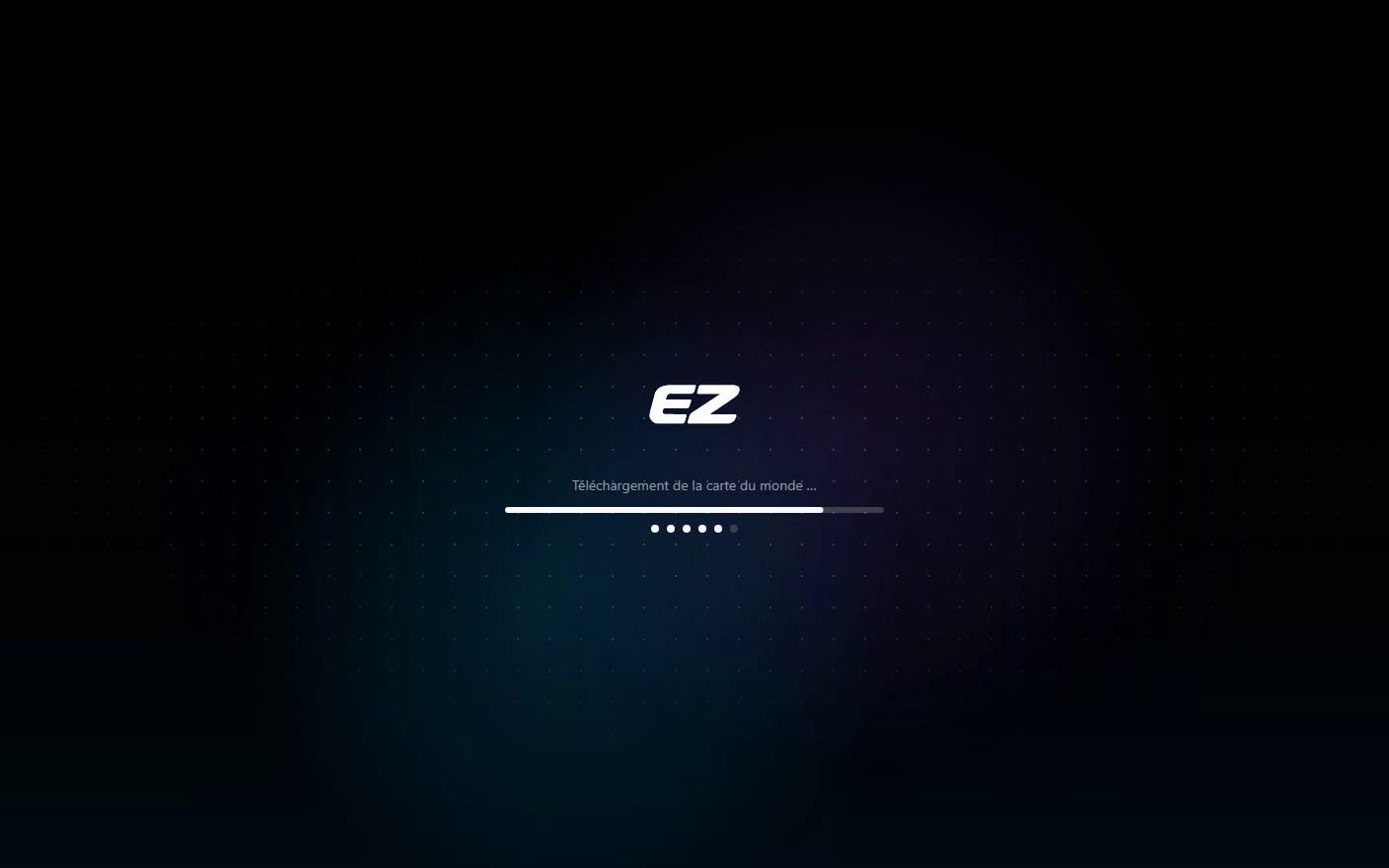
Install and open the app
On first launch, it downloads what it needs on its own: the world map, the bot, its data.
See in the guide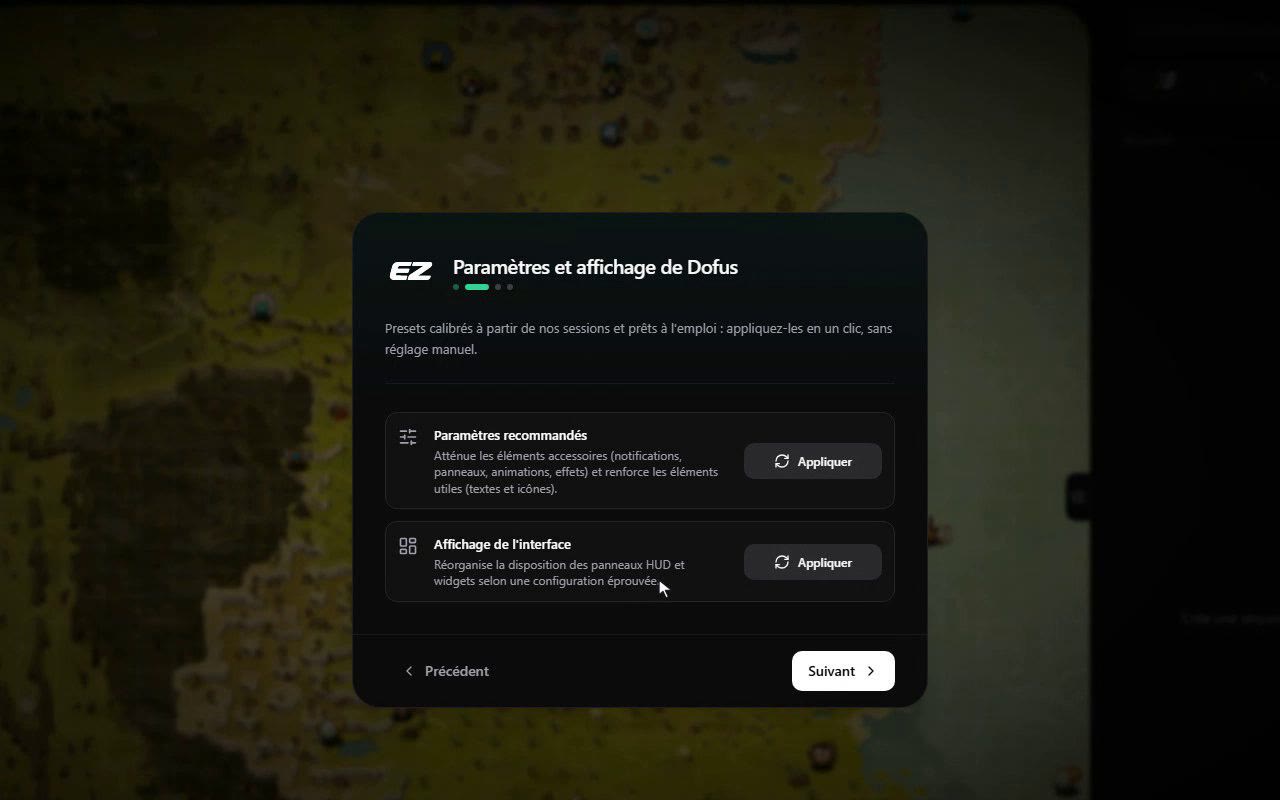
Let it guide you
The welcome window sets up Dofus in one click: recommended settings and interface layout.
See in the guide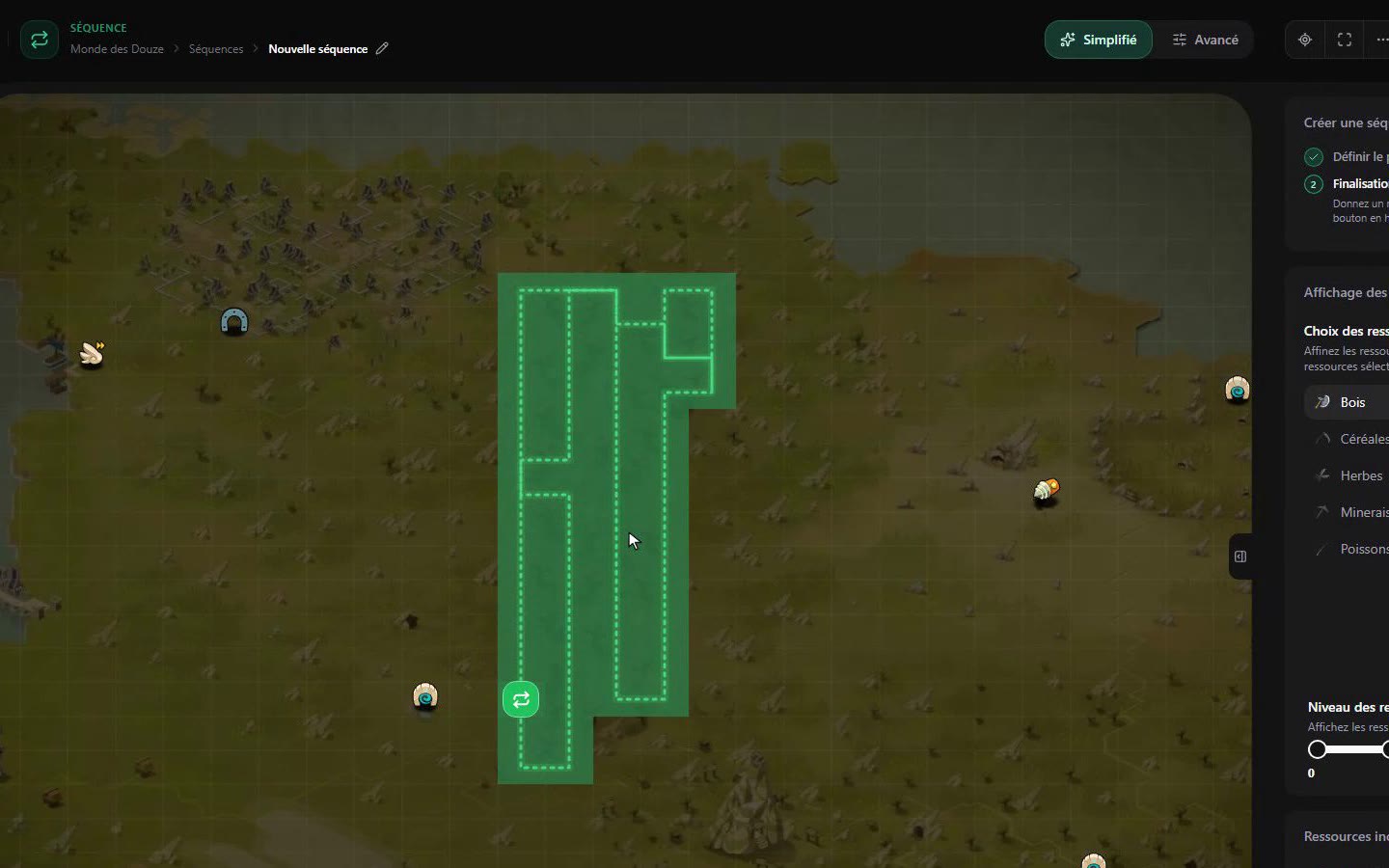
Draw your first circuit
Place the start near a transport, pick your resources: the bot does the rest.
See in the guideFrequently asked questions
Am I at risk of being banned?
Automation breaches Ankama's terms of use. We promise no immunity. What EZGather does to limit the risk, and what it cannot do, is explained in detail.
The ban risk, explainedWhat can you do for free?
Running real gathering sessions, with no credit card and no time limit.
What is free, without roundingHow do I get started?
The guide covers your first sign-in, your first route and your first bank deposit.
Getting started guide