Everything the EZGather Dofus bot does, on video.
Routes, gathering, combat, bank, statistics, scheduling and remote control. Scroll down: each feature plays out before your eyes.
RoutesDraw your route, tune every detail.
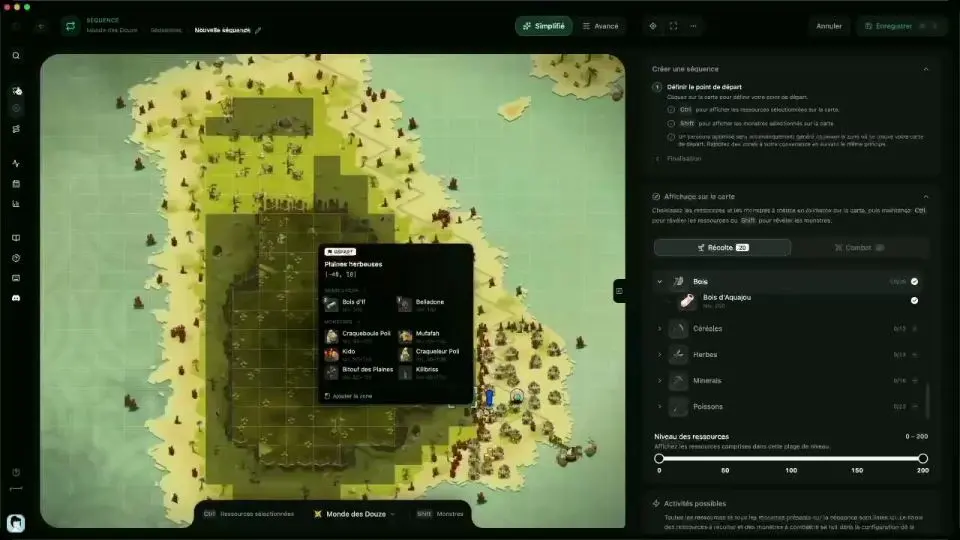
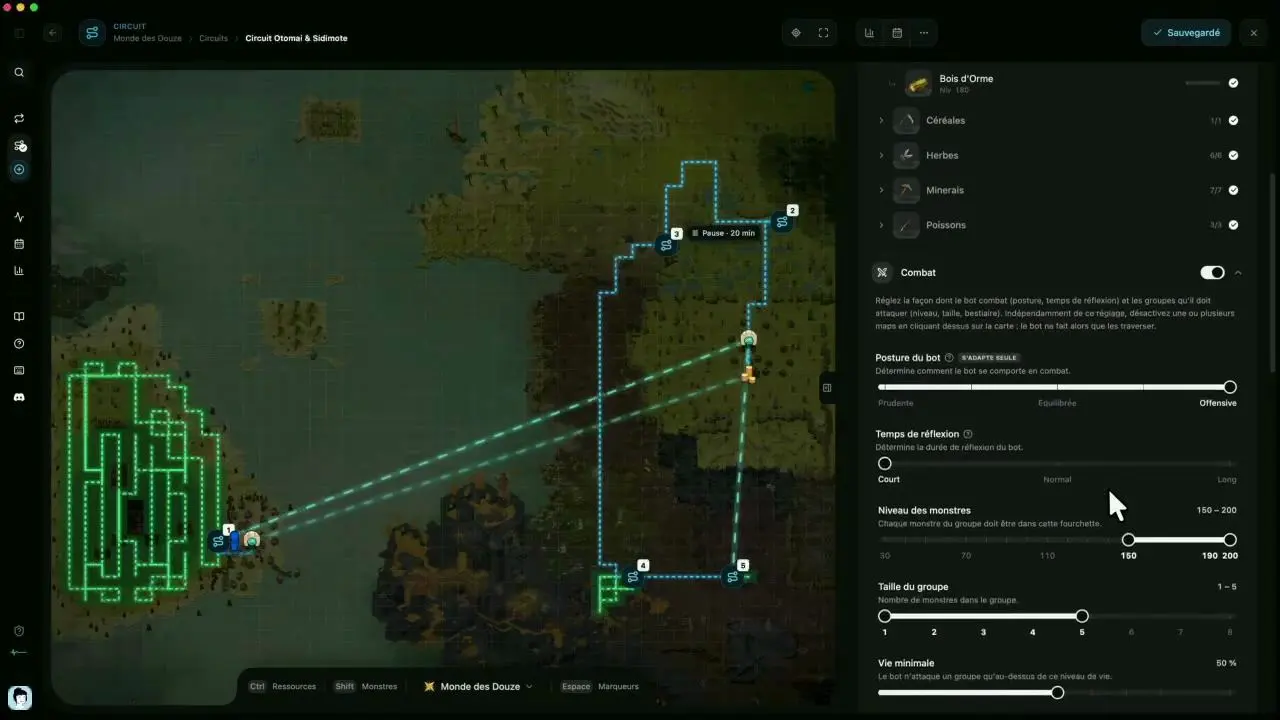
Pick an area on the world map and the route draws itself. Each sequence and circuit is then set up in a few clicks: resources to harvest, combat, monsters to avoid, breaks, automatic launch.
- 1Your sequencesSaved, ready to run again.
- 2The chosen areaDrawn on the world map.
- 3Resources in the areaTick the ones to harvest.
- 4The routeIt draws itself map by map.
GatheringFive professions, above ground and below.
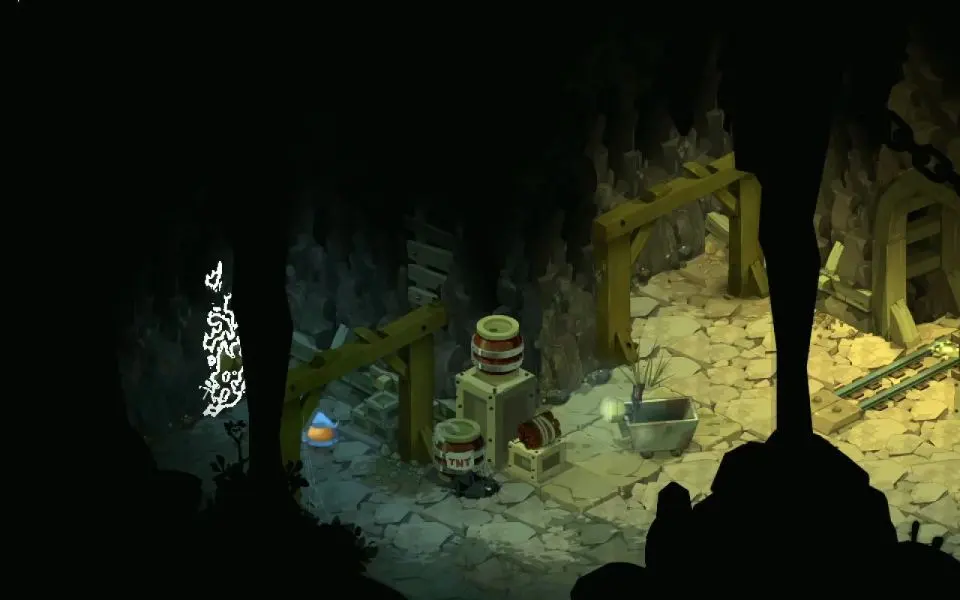
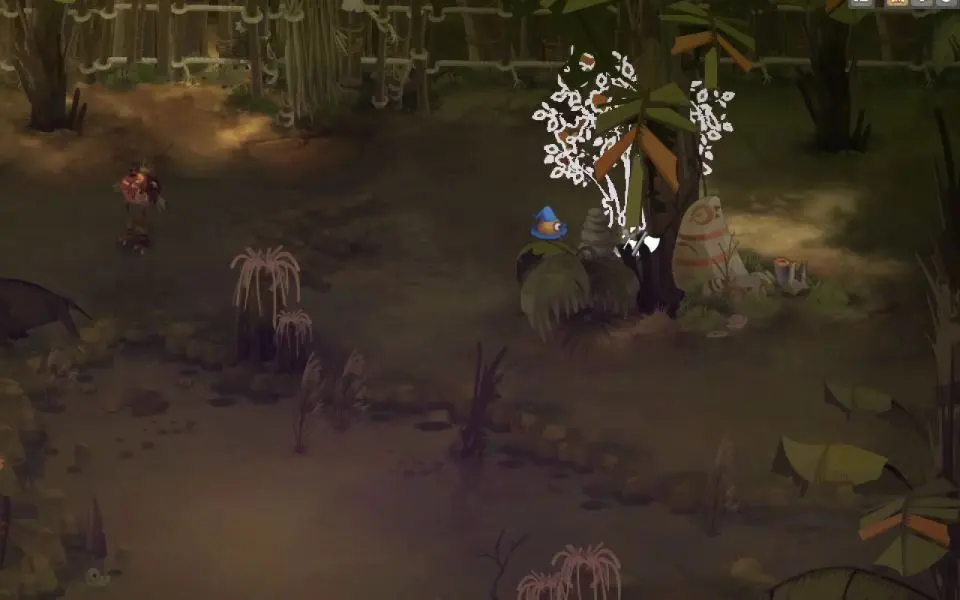
The bot spots the resources on every map and only gathers what you have ticked, from the plains to the depths of the mines.
The five gathering professions, compared Miner
Miner Lumberjack
 Farmer
 Alchemist
 Fisherman
- 1The resource spottedIt lights up: the bot has seen it.
- 2It harvestsIt stops and harvests, without a click from you.
- 3The gainThe resource goes into the inventory.
CombatIt picks its targets and plays its fights.
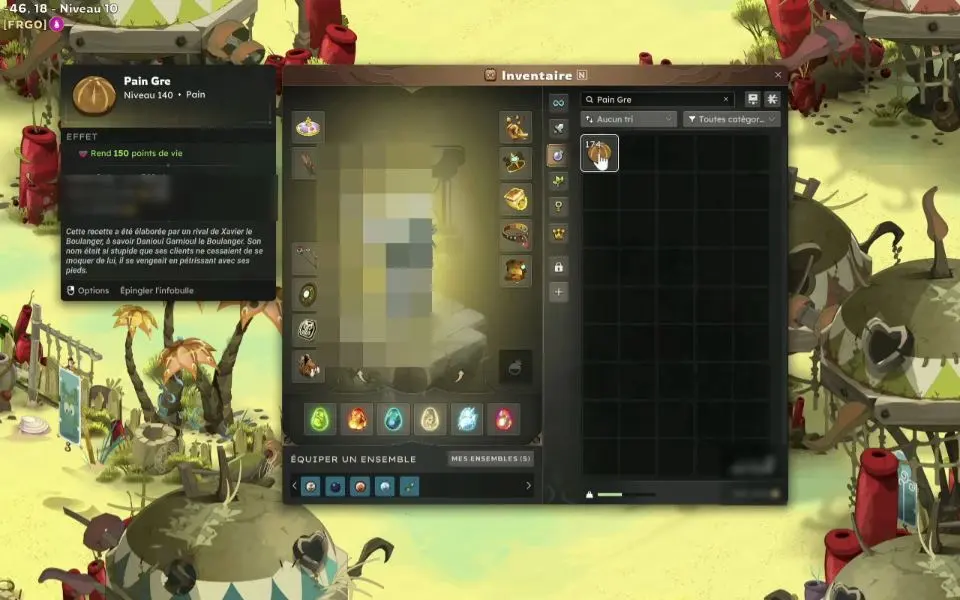
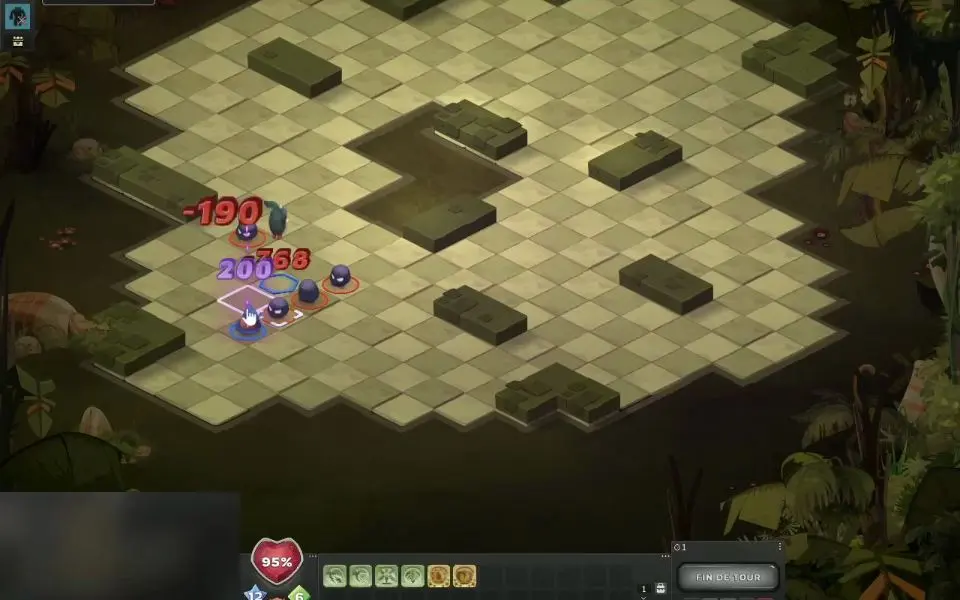
Level, group size, bestiary, minimum health: you set the targets. The bot works out every turn, then checks its healing items and heals up before getting back on its way.
The combat engine in detail- 1Spells and movementWorked out every turn, based on your stance.
- 2Its healthWatched from one turn to the next.
- 3End of turnIt plays its whole turn, then passes.
Circuits and bankIt chains, it deposits, it heads back out.
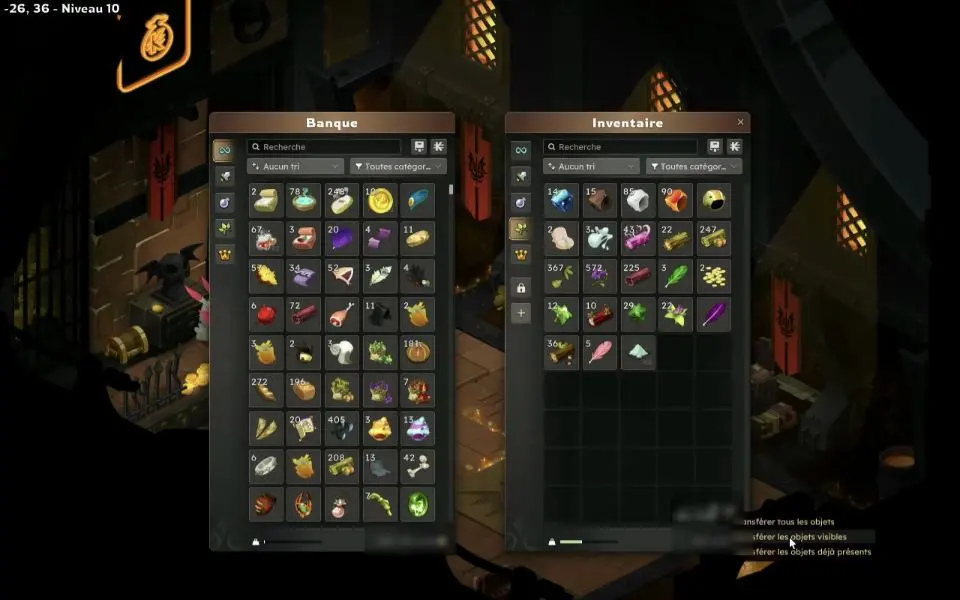
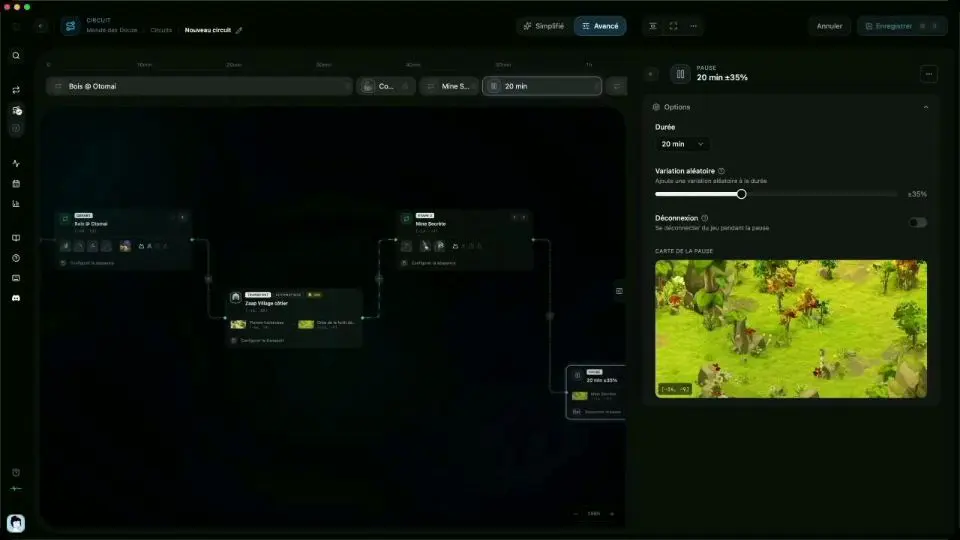
A circuit links your sequences, with transport, breaks and the bank in between. Inventory full? It goes to the bank, empties its harvest and resumes where it left off. While there, it takes from the chest whatever the session needs.
 Healing items for the session
 Empty soul stones
- 1One sequence, one blockLinked in the order you want.
- 2The block's settingsEach sequence keeps its own.
- 3The previewThe sequence's area, as an image.
- 4The bank on the wayA deposit between two sequences.
StatisticsEvery session, every kama, every monster.
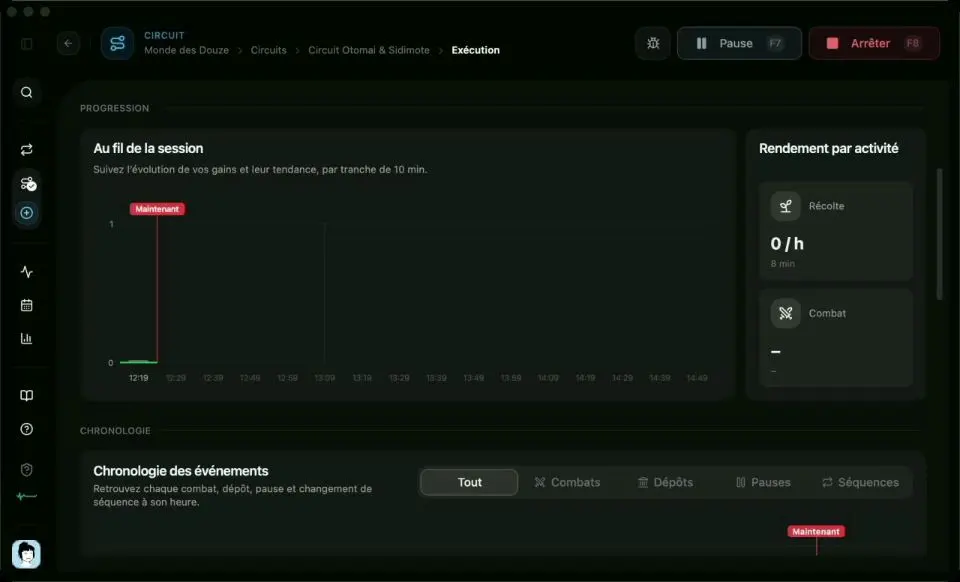
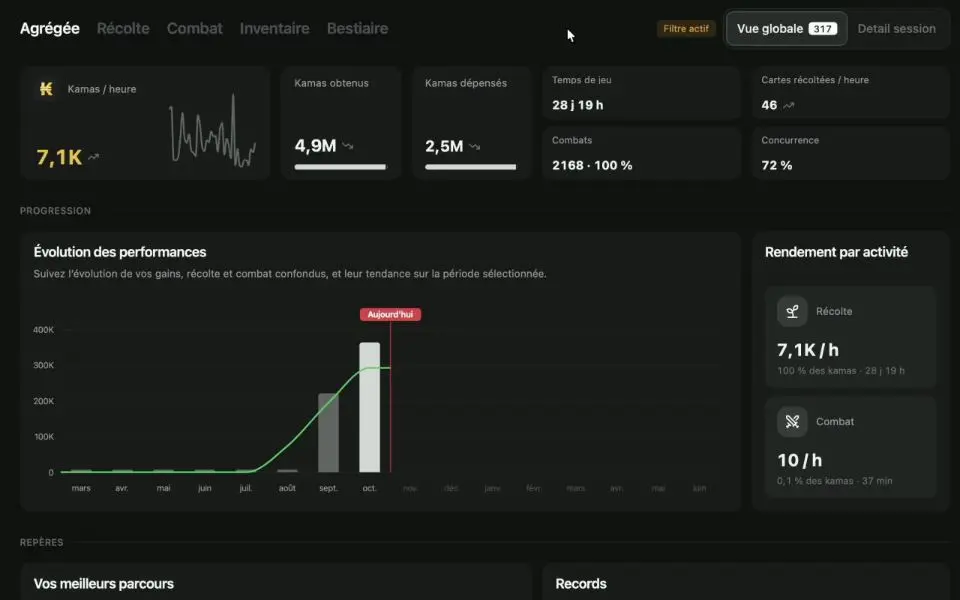
Kamas per hour, detailed harvest, combat, inventory, bestiary: five tabs to see what each route brings in.
- 1Kamas per hourThe figure that matters, up top.
- 2Performance over timeYour earnings, session after session.
- 3Yield per activityHarvesting and combat, kept apart.
- 4Profitability of each routeRanked by kamas per hour.
- 5The Combat tabWins, kamas per fight, profitable monsters.
SchedulingYour sessions, set for the whole week.
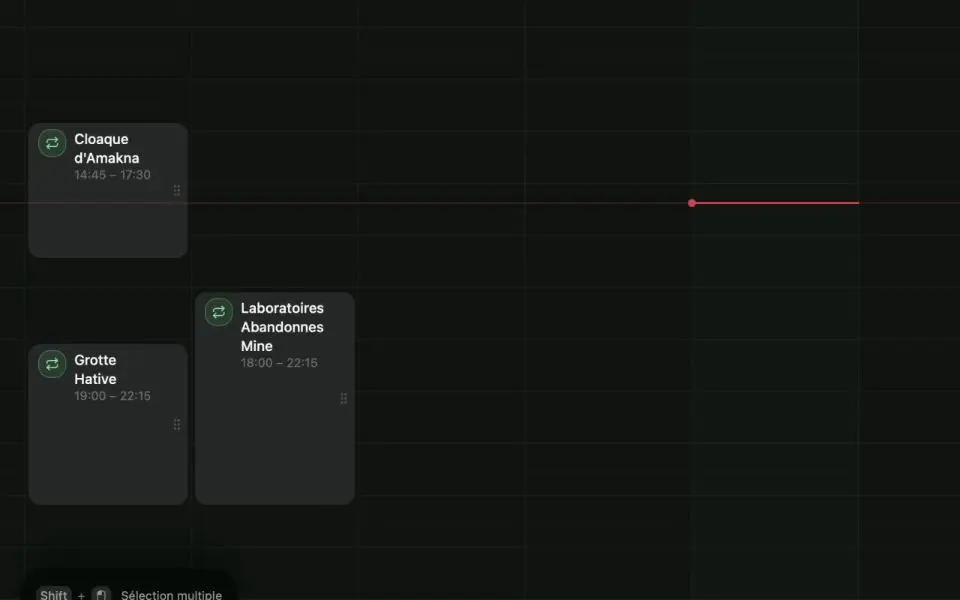
Place your circuits on a calendar. At the set time, the bot launches the game, logs in, takes its breaks and closes everything at the end of the session.
- 1NowThe red line: the current time.
- 2Drag a circuitDrop it on the slot you want.
- 3Alt + dragDuplicate a slot in one move.
- 4StretchSet the duration with the mouse.
RemoteYour session, in your pocket.
EZ Remote drives the app from your phone: start, follow and stop your sessions without sitting at your computer.
- 1The current routeIts progress, map by map.
- 2Kamas per hourLive, just like on the computer.
- 3PauseThe bot stops where it is, and resumes with one tap.
- 4StopThe session ends cleanly.
And everything that makes the difference.
The resolution you want
The game runs in the window size that suits you.
3 devices at once
Several computers active on a single account.
Windows and macOS
Installed in a minute, on either one.
Proxy compatible
HTTP and SOCKS5 supported.





















Get started in minutes.
Create your account, download the app, and launch your first EZGather farming session.